


Build Your Home Studio. Create Better Audio
Your Content Deserves Better Sound
You plan your shots, your script and your thumbnails. But the one thing audiences notice first — and forgive last — is how your content actually sounds. These five free tools turn weeks of audio guesswork into a clear plan you can act on today.
Free to use · Built for podcasters, YouTubers, streamers and musicians
Great Video Is Watched. Great Audio Is Felt.
Every creator knows the feeling. You upload a video you are genuinely proud of — good lighting, tight editing, a thumbnail that finally converts — and the first comments are about the echo in your room, the hiss on your track, or the music drowning out your voice.
Audio has a strange power. When it is good, nobody mentions it. When it is bad, it is all anyone talks about. Viewers will forgive a slightly soft image far more readily than harsh, muffled or uneven sound, because clean audio is what makes content feel effortless to watch and easy to trust.
Fixing audio usually means wading through jargon — impedance, LUFS, polar patterns, room modes — or copying a setup built for someone with a different room, voice and budget. Neither approach gets you better sound.
That is exactly the gap these tools were built to close. Instead of generic advice, each tool asks a few simple questions about your setup, your room, your content and your budget — then gives you a practical answer you can act on, in plain English.
Five Free Tools. One Goal: Better Sound.
Each tool solves one specific, high-stakes audio decision that every content creator eventually faces. Use them in any order — or follow the natural path from planning your setup to publishing your next upload.
Studio Planner
Turn “I need a studio” into a realistic gear plan built around your budget and content type.
Open the planner →Microphone Finder
Answer a few questions about your voice, room and content, and get mic recommendations that make sense.
Find your mic →Speaker Selector
Choose monitors and speakers that fit your workspace, your listening needs and your budget.
Choose speakers →Room Acoustics Analyser
Understand what your room is doing to your sound, and where treatment will actually make a difference.
Analyse your room →YouTube Level Checker
Check your loudness before you upload, so your next video sounds right on every platform.
Check your levels →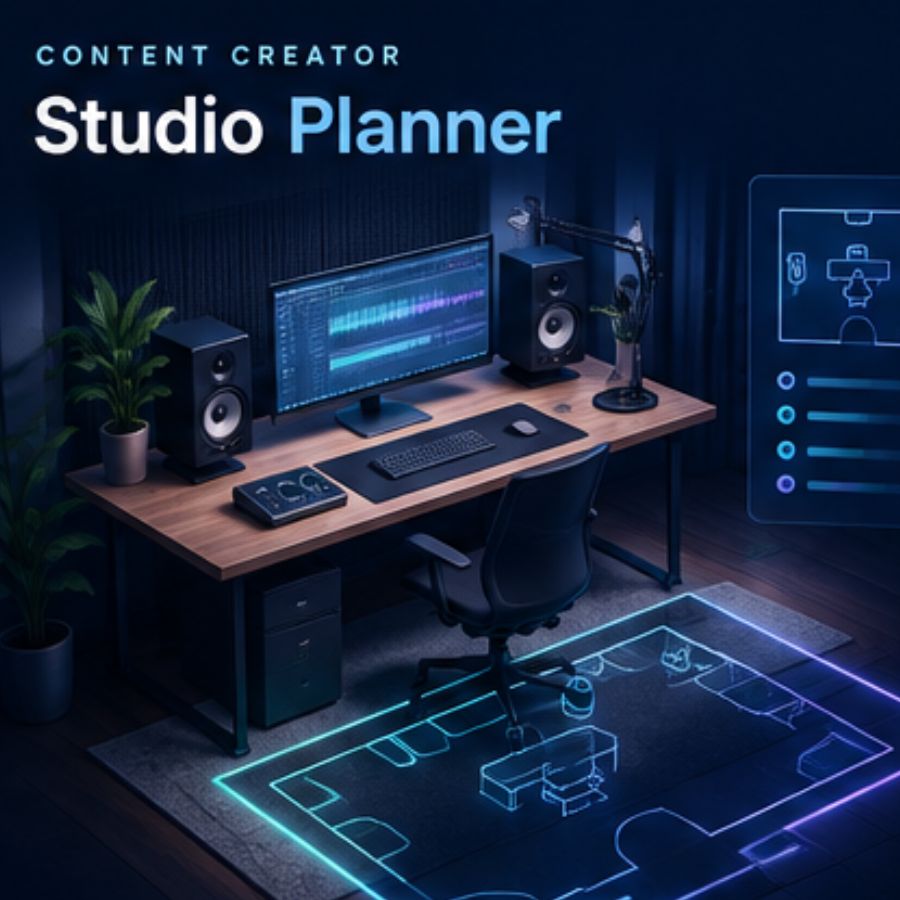
Tool 01 — The Foundation
The Studio Planner: Stop Guessing What to Buy
Most creators overspend in one of two ways: they buy cheap gear twice because the first round did not work, or they blow the budget on one flagship item and cheap out on everything around it. The Studio Planner is designed to end both patterns.
You tell it your budget, the kind of content you make, and your recording situation — bedroom, spare room, treated space. It then builds a balanced signal chain around your needs: which pieces of gear matter most for your setup, where it makes sense to spend, where you can safely save, and what should wait until later.
The result is not a shopping list. It is a roadmap — a plan you can grow into as your channel and skills develop, instead of a pile of gear you outgrew in six months. If you are starting from scratch, start here.
Build my studio planTool 02 — Your Voice
The Microphone Finder: The Right Mic for How You Actually Record
Your microphone is the single most personal piece of audio gear you will ever buy. A mic that makes one creator sound warm and close can make another sound thin, boomy or lost in a sea of background hiss. That is why “best microphone” lists are so useless: there is no best — there is only best for your voice, your room and your content.
The Microphone Finder asks a few quick questions about your budget, the type of content you create, your voice, how noisy your recording space is, and whether you prefer the simplicity of USB or the flexibility of XLR. It then narrows the whole market down to a shortlist of genuinely suitable options, with the reasoning spelled out for each match.
For many creators, choosing the right mic — and placing it well — improves recordings faster than any other upgrade. Get this decision right and everything downstream gets easier.
Find my microphone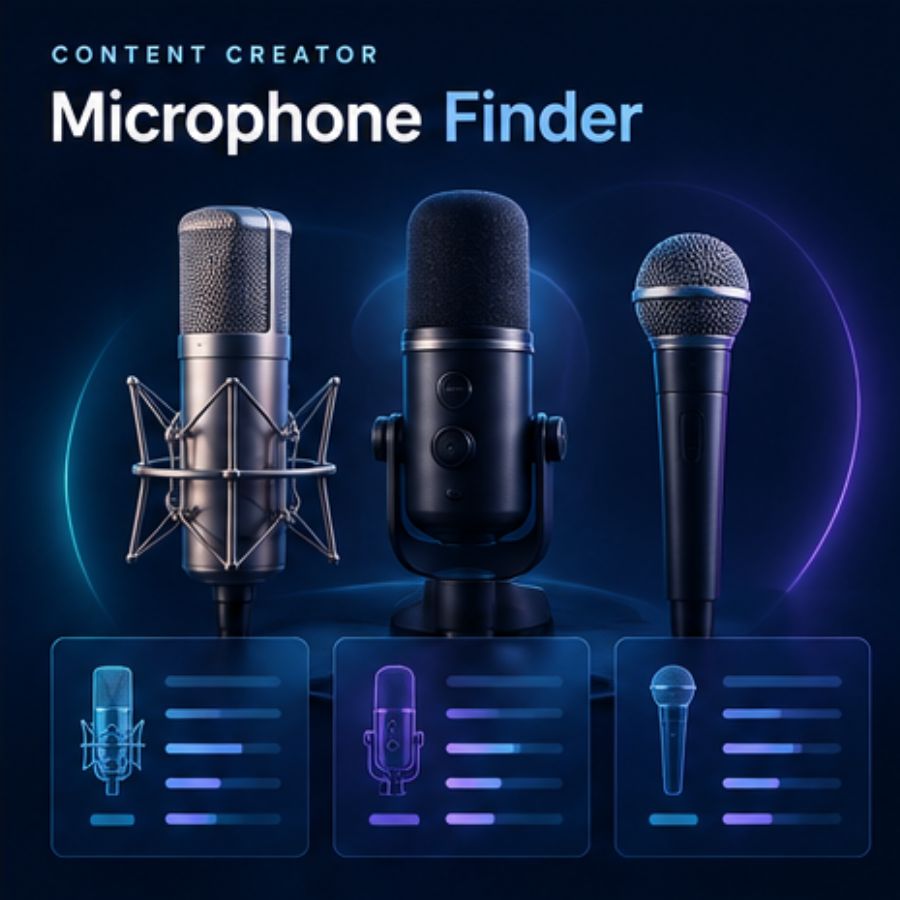
Tool 03 — What You Hear
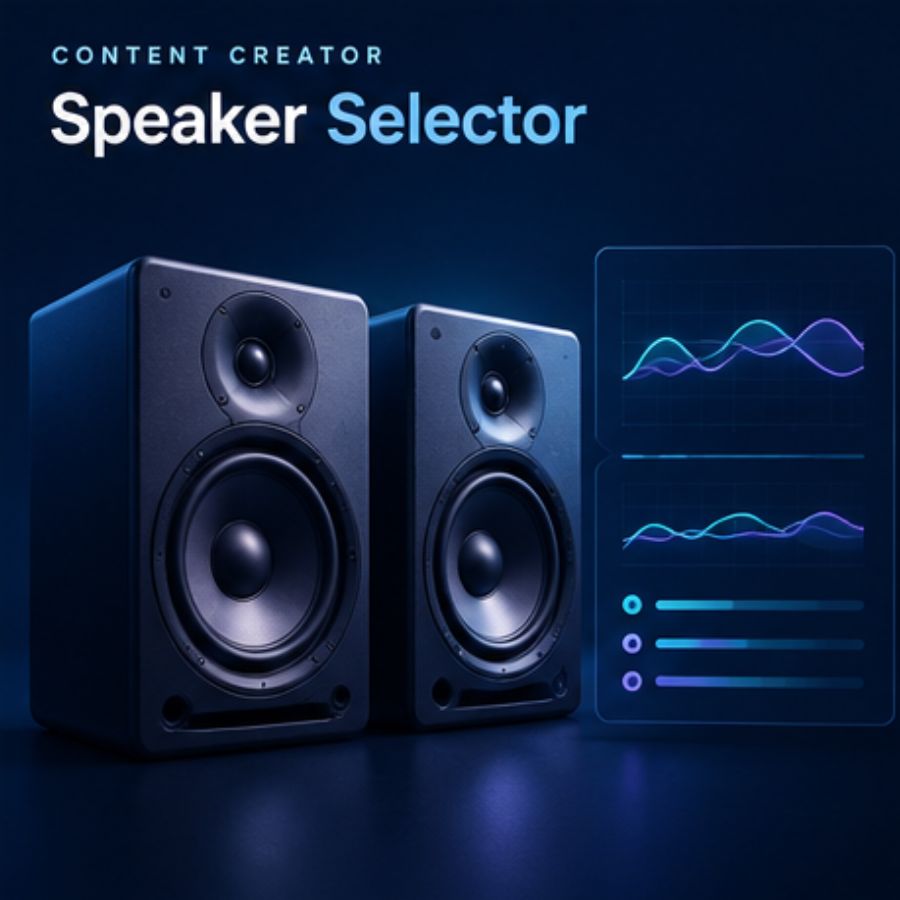
The Speaker Selector: Trust What Your Ears Are Telling You
You cannot fix what you cannot hear. If your monitoring is lying to you — flattering the bass, hiding the harshness in your dialogue — then every editing decision you make is built on bad information. This is how videos that sounded “fine” in the studio arrive muddy and unbalanced everywhere else.
The Speaker Selector helps you choose speakers and studio monitors with your actual setup in mind: the size and shape of your workspace, what you will be listening to, and what your budget realistically allows. Whether you are putting together your first editing desk or refining an established studio, it helps you build a shortlist based on what genuinely matters for you.
Better monitoring means faster, more confident editing decisions — and content that translates consistently from your room to your audience’s headphones, laptops and car speakers.
Select my speakersTool 04 — Your Room
The Room Acoustics Analyser: Make Your Space Part of the Plan
Here is the truth most gear reviews skip: your room is an instrument. The same microphone, the same speakers and the same voice will sound completely different in a carpeted spare bedroom than in a glass-walled kitchen. Reflections, echo and reverberation shape everything you record and everything you hear while editing.
The Room Acoustics Analyser helps you understand what your space is actually doing to your sound. It walks you through your room’s acoustic characteristics and highlights where improvements will make a real, audible difference — and, just as importantly, where expensive treatment would be wasted money.
This is the tool for creators who already have decent gear and are wondering why things still do not sound quite right. Very often the answer is not new equipment — it is the room around it.
Analyse my room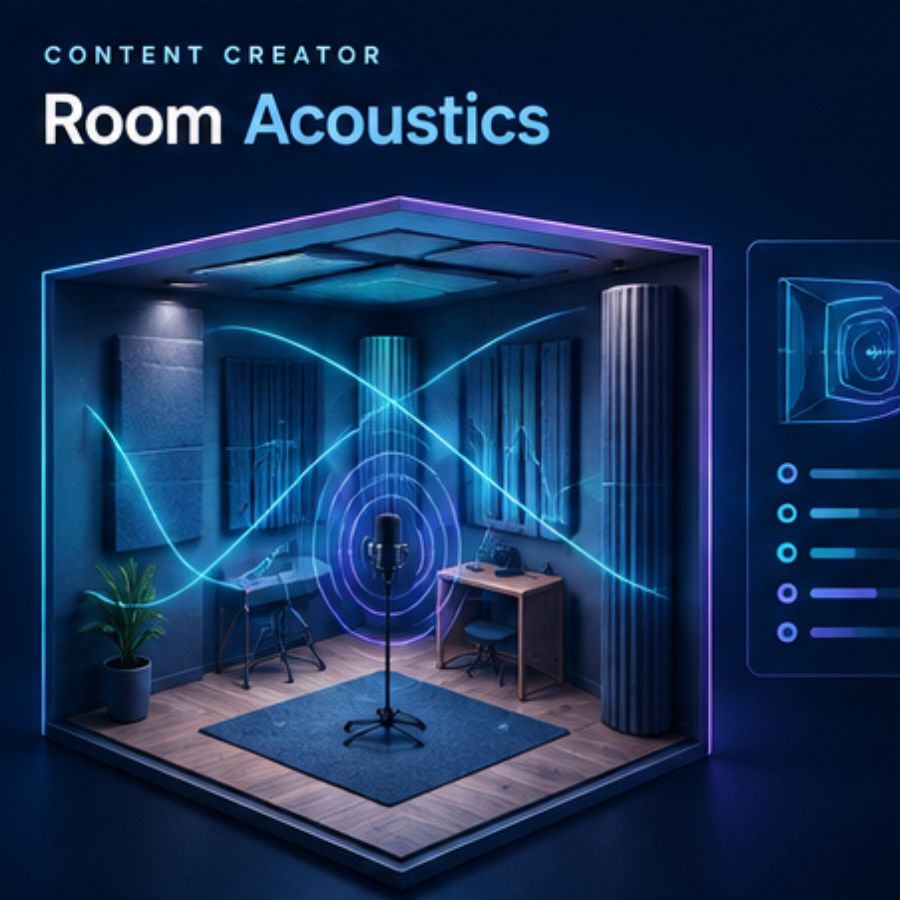
Tool 05 — The Final Check
The YouTube Level Checker: Publish With Confidence
You have planned your setup, chosen your mic, treated your room and mixed your video. The last mile is loudness — and it is where a surprising number of otherwise excellent uploads fall short. Audio that is too quiet gets skipped; audio that is too loud gets crushed by normalisation, and your mix falls apart.
The YouTube Level Checker helps you assess the loudness of your finished audio before you publish, so you can make informed decisions about your final mix rather than hoping for the best. Making an audio check part of your publishing routine — whether you are sharing a short tutorial or a long-form conversation — takes minutes and protects hours of work.
Think of it as the final proofread for your sound.
Check my levelsHow It Works
No jargon, no sign-up mazes, no 40-minute videos. Each tool follows the same simple pattern:
STEP 1
Answer a few questions
Budget, content type, room, voice, goals — the things that actually make your setup different from everyone else’s.
STEP 2
Get a plan, not a lecture
Clear recommendations in plain English, with the reasoning explained — so you learn while you decide.
STEP 3
Act on it today
Every result is built to be actionable: gear to buy or skip, placements to try, fixes to make before your next upload.
Built for Every Kind of Creator
Good audio decisions look different depending on what you make — but the core questions are the same: which gear matters, how your room shapes your sound, and how to check your work before the world hears it. These tools are built around those shared decisions, which is why they work across the creator spectrum.
Whether you are recording your first episode in a bedroom or refining a studio built over years, the guidance stays grounded in how you actually create — not how a marketing department imagines a studio looks.
Why Are These Tools Free?
Because better-sounding creators make better content, and better content is what this site exists to support. These tools are that same practical, technical audio education for home studio builders — made interactive.
There is no paywall, no premium tier and no hidden upsell. The site is supported by voluntary donations and occasional affiliate links, which never change what the tools recommend or why.
The mission is simple: help you make confident decisions, avoid the expensive mistakes almost every creator makes once, and build a studio that fits your budget and your goals.
Questions Creators Actually Ask
Which tool should I use first?
If you are building a setup from scratch, start with the Studio Planner — it maps out the essentials and helps you avoid overspending on gear you do not need yet. If you already have the basics, start with the Microphone Finder — the right mic choice and placement beat random upgrades.
Can a basic setup really sound professional?
Yes. A strong result comes from choosing the right essentials and using them well — not from buying the most expensive option. A sensible mic, considered placement, a quieter space and a final loudness check will outperform a pile of premium gear used carelessly.
Do I need an audio interface?
Not always. If you use a USB microphone, you may not need one right away. If you use an XLR microphone, you will need an interface to connect it properly and get the best signal handling. The Microphone Finder factors this into its recommendations.
Does my room really matter that much?
More than most creators expect. Room acoustics affect clarity, reflections, echo and how accurately you hear your own recordings. Even basic treatment and better speaker or microphone placement can make a noticeable difference in smaller creator spaces.
Are these tools only for podcasters and YouTubers?
No — they are built for a wide range of creators, including streamers, musicians, voiceover artists and course creators. The same core decisions around microphones, monitoring, room and workflow apply across almost every type of content.
 The Home Studio Setup Blueprint
The Home Studio Blueprint: The Book
Most studio guides are written by gear reviewers, not engineers. This one is written by an audio engineer with an MSc in Advanced Engineering Design and years of professional studio experience. It teaches you how to think about acoustics, signal flow and design as one system, whatever your budget.
- Assess and treat any room without guesswork
- A signal chain framework from beginner to pro
- Choose monitors, mics and interfaces for your use
- Avoid the mistakes that cost the most time and money
Join the waitlist below — members get an exclusive launch discount.
Stop Settling for “Good Enough” Sound
Your next upload can sound noticeably better — and it starts with one free tool and about five minutes. Pick the one that matches where you are today, and take the first step toward audio your audience never has to think about.
All five tools are free, always. Prefer to learn first? Browse the guides at the Knowledge Hub.